Domain 3
Courses tagged with "Domain 3"
Advanced Seesaw: Becoming a Seesaw Master
Course Description: Take a deeper dive into the many features of Seesaw. Learn how to create your own custom Seesaw Activities and discover how Seesaw's built-in features like folders, skills, and blogs can help streamline the assessment and feedback processes, whether at home or in the classroom. This session is perfect for educators who have attended our Beginning Seesaw session or have been using Seesaw and want to learn more.
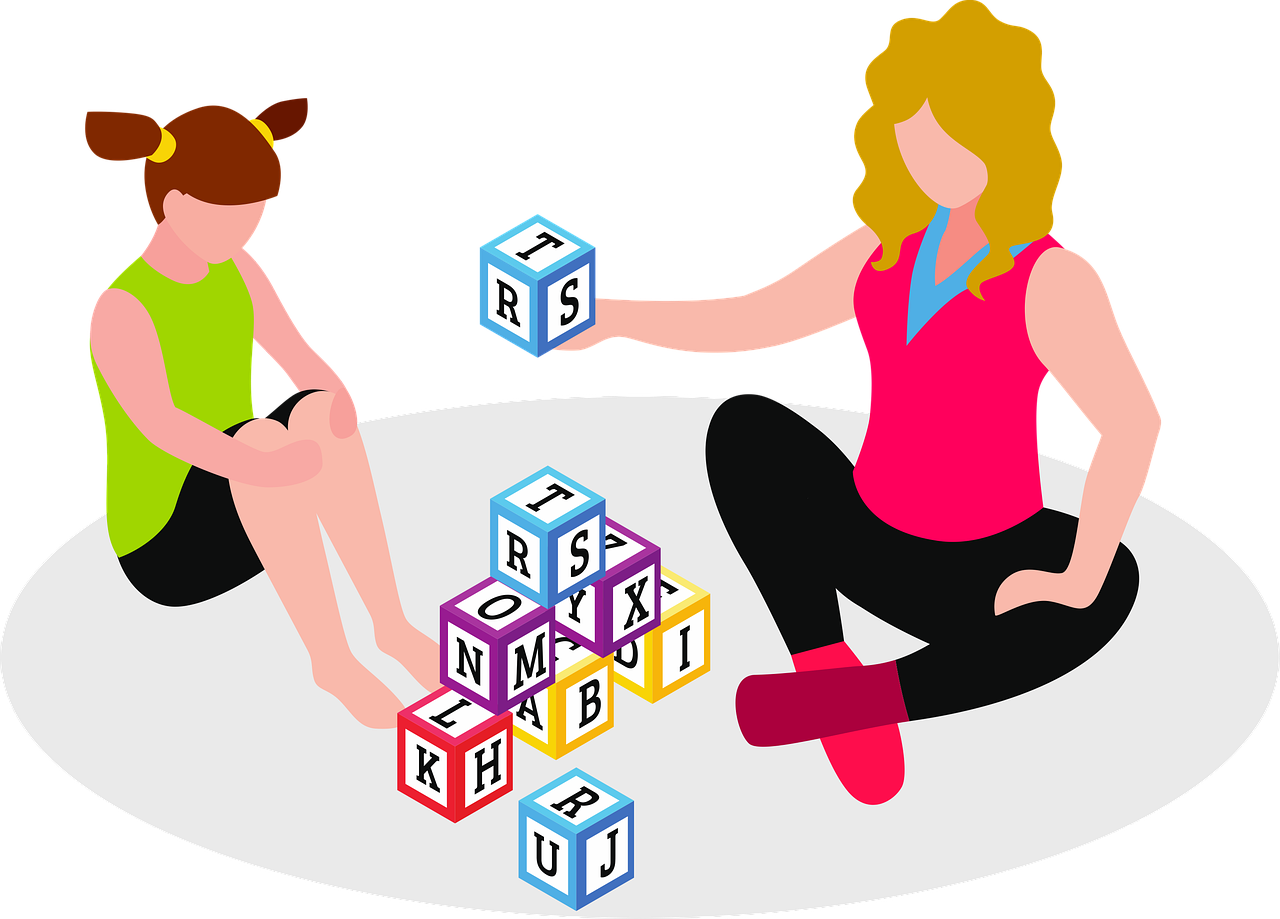
Connect, Collaborate, Create with School-based Occupational Therapy
Course Description: In this course, Dr. Jennifer Washko, OTD-OTR/L, and Dr. Katie Landsiedel, OTD-OTR/L, share information on the role of Occupational Therapy in a school-based setting. Learn strategies for your students and tips on communication and collaboration to enhance student learning and achievement.
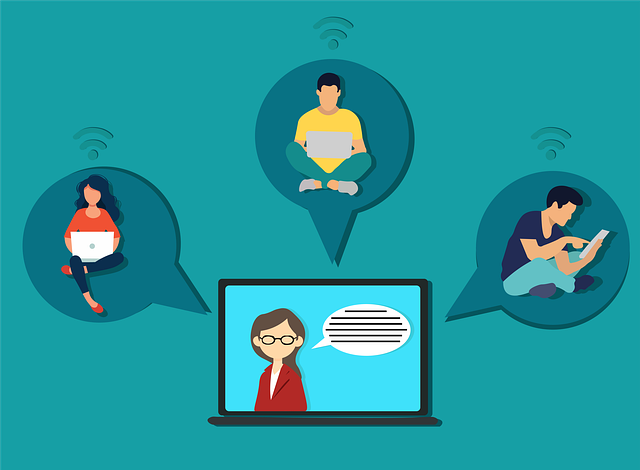
Differentiating and Team Teaching: Distance Learning Edition
Course Description: Tools like Seesaw, Flipgrid and Google Classroom can be used to serve our students with direct, targeted assignments via enrollment in multiple classes or with the use of Co-Teachers. Entire grade levels may benefit from a shared space, and special area teachers and support staff can be linked to their students more easily. Get some strategies to maintain multiple groups of students in classes or getting yourself included in pre-existing ones!

Formative Assessment Fun with Kahoot
Course Description: Whether in the classroom or at home, Kahoot! is an engaging game that lets you teach content and do formative assessments. Teachers can create custom games or copy and remix from a library of thousands of games in every subject. Games can be played in groups or set as individual student challenges. Teachers can download reports after a Kahoot! game to drill down into results question by question. Come see why students and teachers love Kahoot!
Intermediate Seesaw: Taking Seesaw to the Next Level
Course Description: If you've been using Seesaw and you're really ready for something more, this session is for you! You'll have an opportunity to create even more unique and useful custom Seesaw activities, learn how to app smash with Seesaw, develop choice boards, import and create interactive activities, integrate Google apps and tools, and bring Seesaw into your student conferences.
Math at a Distance: Best Practices
Course Description: How can I use common Google and ed-tech tools to support collaborative math practice and discussion at a distance? In this recorded webinar from 2020, participants explore one learning cycle and deeply engage in the design thinking behind the how the ed-tech selected supports student engagement, virtual discourse and opportunities for elaboration and student evaluation.

Maximizing Google Classroom
Course Description: This professional learning session, presented by NEA members and Michigan teachers Bill and Sarah Van Loo, was captured from a live PSEA CPL webinar broadcast June 2, 2020 and helps participants learn about how to maximize Google Classroom for teaching & learning. Participants reflect about transition and current use of Google Classroom and think about assorted aspects, strategies, and techniques for utilizing and maximizing Google Classroom as a teaching and learning tool.

Multi-Sensory Learning Using Arts Integration
Course Description: When students are exposed to the same content in different subjects and through multiple senses, they are able to make connections across the disciplines and from home to school. In this session, participants will see examples of cross-curricular lessons that incorporate science, writing, social studies, music, and visual arts. Participants will see and hear examples from the classroom, and they will have an opportunity to immediately apply what they've learned.

Phenomena-Centered Science in Your (Virtual) Classroom
Course Description: Centering your K-12 science instruction around phenomena can build student engagement and understanding, even in a virtual or blended classroom environment. In this course participants explore key aspects of science instruction, share NGSS-aligned resources for the new school year, and consider strategies (like Driving Question Boards) that support science in K-12 (possibly virtual) classrooms.
Schoology in Practice: Essentials for Beginners
Course Description: Explore and learn in Schoology! This recorded video session will provide beginner Schoology users with a working knowledge of the essential features for virtual teaching in Schoology. Materials, gradebook, attendance, analytics, and conferences will be reviewed. You will leave with a custom “sandbox” course for you to play around in and test features.
Schoology in Practice: Essentials for Intermediate Users
Course Description: Explore and learn in Schoology! This recorded video session will provide intermediate Schoology users with a working knowledge of the essential features for virtual teaching in Schoology. Materials, gradebook, attendance, analytics, and conferences will be built upon. You will leave with a custom “sandbox” course for you to play around in and test features.

Symbaloo: Interactive Bookmarking for Engaging & Interactive Instruction
Course Description: Captured from a live PSEA CPL Webinar broadcast on Nov 17, 2020 by NEA presenters Ellen Brooks and Kelly Newton, this session offers a full tutorial on the Symbaloo platform with options to make free choice bookmarks or learning paths targeted for simplicity of use to push out important content to students in a quick-link, engaging and interactive format. Easy to customize and update, learn how to make, find and share a "Symbaloo" with the audience of your choice, or use it for yourself!

Using Kami for Interactive Lessons
Course Description: Did you know that Kami is not just a PDF editor? Kami is a must-have all-in-one tool for your classroom. With Kami interactive lessons that support all of your students. Join this session to learn how to use Kami to provide video or audio feedback and to have students demonstrate their learning. Kami has a complete set of PDF tools that can make working with PDFs easier for both you and your students.

Using Pear Deck to Engage Learners at a Distance
Course Description: This session discusses how to use Pear Deck to transform your PowerPoint or Google Slides into interactive presentations and assess student understanding in real time or at the student's own pace by inserting questions and practice activities directly in your lesson.

140 Main Street Annapolis, MD 21401